How to Evaluate Dental Software
By dentaiware · 2026-06-01

A practical framework for choosing dental software that fits your clinic's workflow, team, and goals - not just its feature list.
Choosing dental software should be simple. But in reality, it often feels overwhelming.
There are more tools than ever: practice management systems, imaging platforms, AI diagnostics, patient communication tools, analytics dashboards, lab portals, treatment planning software, billing solutions, and many more. Each one promises to save time, improve efficiency, increase revenue, or create a better patient experience.
The problem is not that dental clinics lack software options but it is knowing which software is actually the right fit.
The best dental software is not always the one with the longest feature list. More often, it is the one that solves the right problem for your clinic.
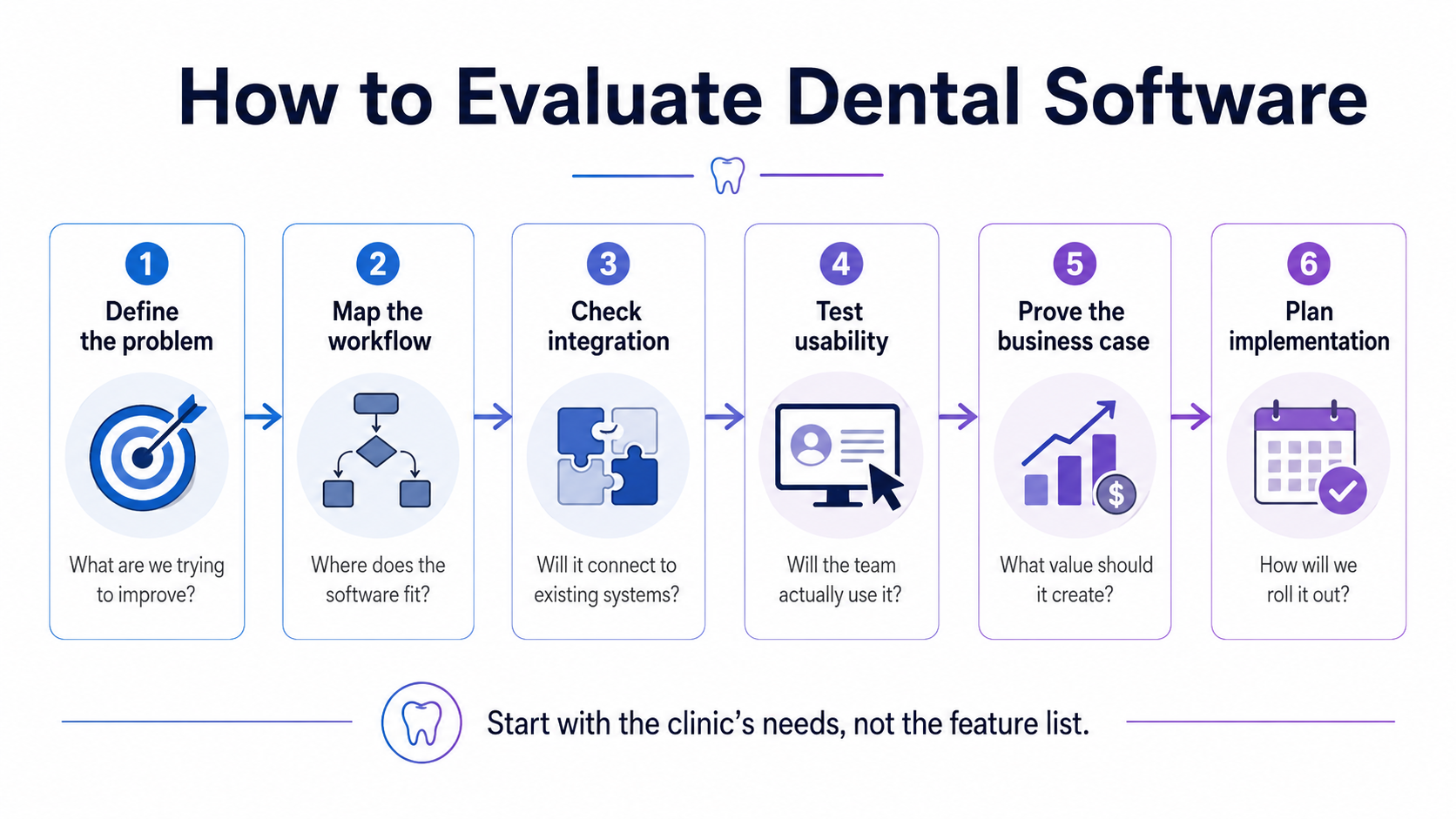
Start With the Problem, Not the Software
Many software evaluations start in the wrong place.
A clinic sees a demo, likes the interface, gets excited about a few features, and only later asks the most important question: do we really need this?
Before comparing tools, start with the pain point. What exactly are you trying to improve?
Are you losing patients because of missed calls? Is your team spending too much time on manual admin tasks? Are treatment plans not being accepted? Are images, scans, and patient data stuck in different systems? Are you lacking visibility into performance across multiple locations?
A good software decision starts with a clear operational problem. Without that, even the best tool can become just another login your team has to remember.
Look at the Workflow
Dental software does not live in isolation. It sits inside a workflow.
That means you should not only ask what the software can do, but where it fits into the daily routine of your clinic. Who will use it? At what point in the patient journey? What happens before and after the software or AI tool is used?
For example, an AI diagnostic tool may look impressive during a demo. But how does it connect to your imaging software? How is the output shown to the dentist? Can it support patient communication? Does it help with case acceptance? Or does it create another separate step in an already busy appointment?
The real question is not: "Does this software have good features?"
The better question is: "Does this software make our workflow easier?"
Check Integration and Data Flow
One of the biggest challenges in dental software is interoperability.
Clinics often use many different systems that do not properly talk to each other. This creates disconnected software islands: patient data in one system, images in another, treatment plans somewhere else, lab communication by email, and reports in spreadsheets.
When evaluating a new solution, integration should be one of the first questions. Does it connect with your existing practice management system, imaging software, scanner, payment provider, lab system, or analytics tool? Does it reduce manual data entry, or does it add more of it?
Software that does not integrate well may still be useful. But the trade-off should be clear from the beginning.
Evaluate Usability, Not Just Features
Feature lists are easy to sell. Adoption is harder.
A tool only creates value if the team actually uses it. That is why usability matters so much in dental clinics. The software should be easy enough for daily use, not just impressive enough for a sales demo.
Ask yourself: can the team understand it quickly? Does it fit into existing habits? Does it require heavy training? Is the interface clear? Can new team members learn it without weeks of explanation?
In dentistry, time is limited, teams are busy, and attention is always split between patients, clinical work, and operations. Software that feels complicated will often be avoided, no matter how powerful it is.
Understand the Business Case
Dental software should create measurable value.
That value can come in different forms: saved time, fewer missed calls, higher case acceptance, improved patient retention, better diagnostics, smoother lab communication, lower admin workload, or better reporting.
Not every benefit needs to be purely financial. A tool that reduces stress for the team or improves the patient experience can be highly valuable. But the expected impact should be clear.
Before making a decision, define what success would look like. What should improve after 30, 60, or 90 days? Which metric, workflow, or team experience should be better?
If you cannot describe the expected outcome, it will be difficult to judge whether the software was worth it.
Do Not Ignore Implementation
Many software projects fail not because the software is bad, but because implementation is underestimated.
Who will lead the rollout? Who will train the team? Who will configure the system? Who will answer questions after the first week? What happens if the team does not adopt it?
A good vendor should not only sell the software. They should help you implement it, support your team, and guide you through the first phase of adoption.
Especially for DSOs and larger clinics, implementation support can be just as important as the product itself.
Ask the Right Questions
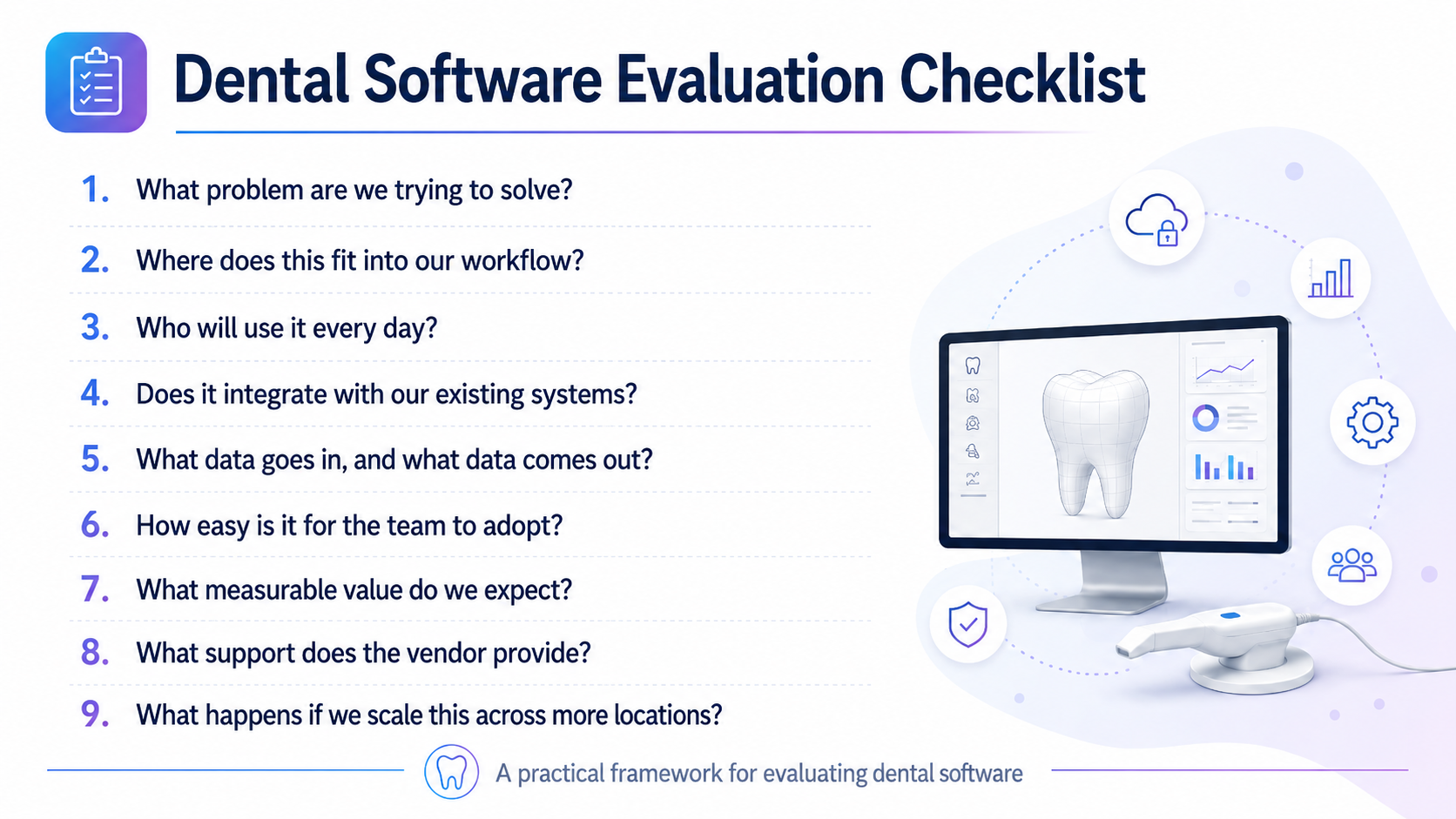
When evaluating dental software, a simple checklist can help:
- What problem are we trying to solve?
- Where does this fit into our workflow?
- Who will use it every day?
- Does it integrate with our existing systems?
- What data goes in, and what data comes out?
- How easy is it for the team to adopt?
- What measurable value do we expect?
- What support does the vendor provide?
- What happens if we scale this across more locations?
Final Thought
Dental software should not make clinics more complex.
It should make them more connected, more efficient, and easier to run.
The right tool can improve workflows, support better decisions, and create a better experience for both teams and patients. But the right tool is not always the most advanced one. It is the one that fits your clinic's needs, your workflows, your team, and your goals.
In the end, evaluating dental software is not really about software.
It is about understanding how your clinic works today and choosing the technology that helps it work better tomorrow.